
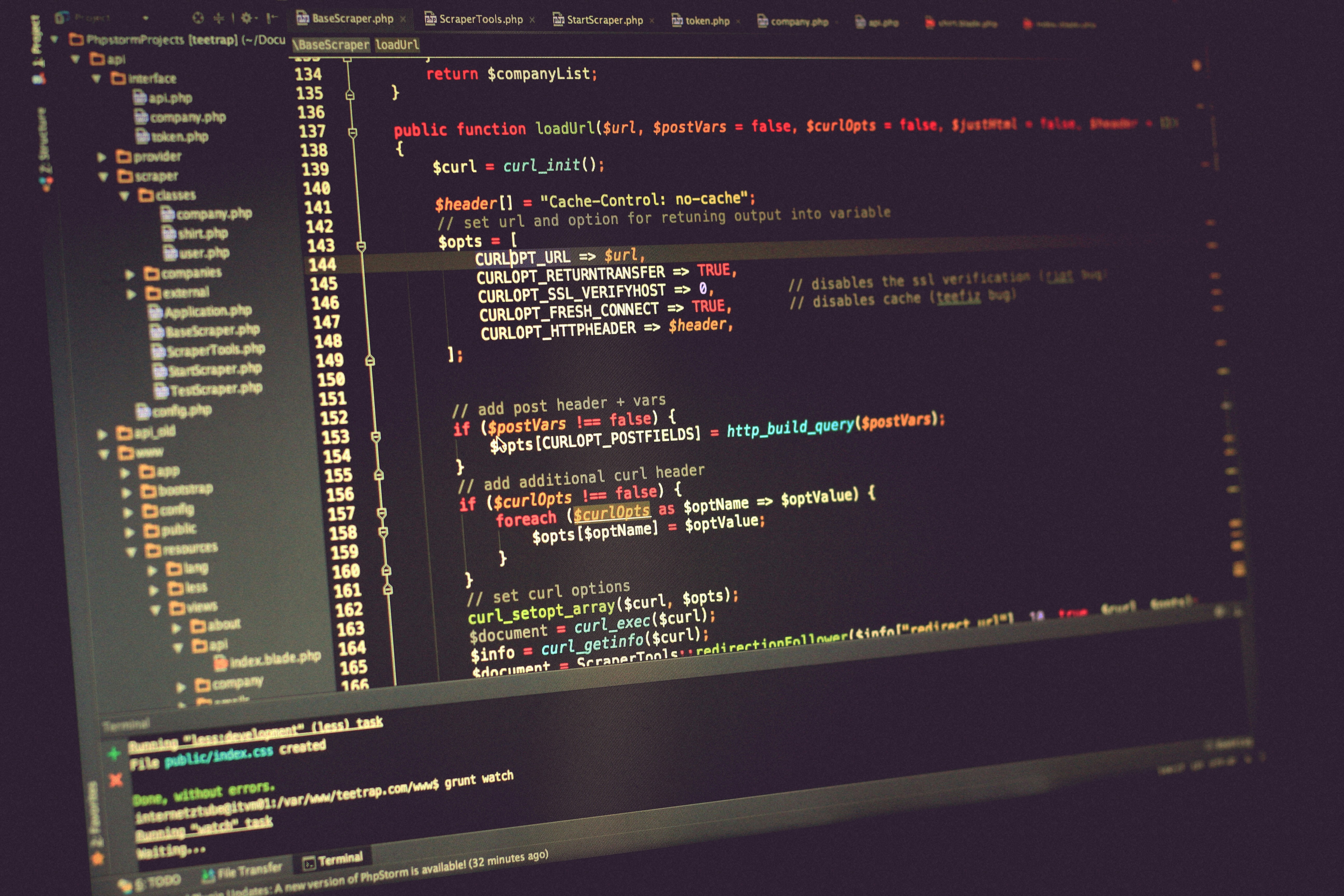
Understanding the Need for Backend Development
Backend development is an essential component of creating robust web applications. It refers to the server-side processes that interact with databases and manage the logic of the application. While frontend development, primarily executed with JavaScript, focuses on the user interface and experience, backend development ensures that the application functions correctly behind the scenes. This involves processing requests, handling data, and facilitating communication between the client-side and server-side operations.
For JavaScript front-end developers, acquiring a foundational understanding of server-side programming is immensely beneficial. It enables them to collaborate more effectively with backend developers and contribute to more complex projects. Understanding how frontend interfaces communicate with servers helps these developers troubleshoot issues and optimize user experiences. This knowledge is particularly vital as the demand for full-stack developers increases, where a comprehensive understanding of both frontend and backend technologies is imperative.
PHP and MySQL are two vital technologies in the realm of backend development. PHP, a widely-used scripting language, is particularly suited for web development, enabling developers to generate dynamic content and engage with various database solutions. Similarly, MySQL serves as a reliable database management system that allows applications to store, retrieve, and manipulate data efficiently. By leveraging PHP and MySQL, developers can create powerful, data-driven applications that can scale according to user needs.
In essence, understanding backend development equips JavaScript frontend developers with the tools necessary to enhance their web applications. Utilizing technologies such as PHP and MySQL not only enriches skill sets but also fosters a more integrated approach to web development, bridging the gap between client-side and server-side functionalities.
Getting Started with PHP
PHP, which stands for Hypertext Preprocessor, is a widely-used server-side scripting language designed specifically for web development. Its ease of use and simplicity make it an ideal choice for developers who are transitioning from front-end technologies such as HTML, CSS, and JavaScript. Understanding the foundations of PHP is essential for those looking to create dynamic and interactive web applications.
The syntax of PHP is relatively straightforward, especially for those familiar with programming concepts. PHP code is embedded within HTML by wrapping it in special PHP tags. This seamless integration enables developers to create dynamic web pages efficiently. For instance, using PHP, you can process form data, interact with databases, or even generate dynamic content, all while maintaining the structure of standard HTML.
One of the standout features of PHP is its ability to communicate easily with various database systems, notably MySQL. This relationship is fundamental for modern web applications, where storing, retrieving, and managing data is crucial. PHP offers built-in functions that facilitate connections to MySQL databases, allowing developers to execute SQL queries and process results effortlessly.
Another significant advantage of PHP is its compatibility with JSON (JavaScript Object Notation), a lightweight data-interchange format commonly used in web applications. By easily encoding and decoding JSON data, PHP allows developers to transfer data between server and client-side applications, making it an essential skill for those in the field of modern web development.
In conclusion, PHP serves as a powerful tool for back-end development, especially for front-end developers looking to expand their skill set. By understanding its basic syntax and features, and how it interacts with HTML and JSON, developers can create robust web applications that deliver dynamic user experiences.
Setting Up Your PHP Environment
The first step in establishing a PHP development environment is selecting the right software stack. For beginners, XAMPP or MAMP are highly recommended options due to their ease of installation and configuration. Both serve as integrated solutions that include Apache server, PHP, and MySQL, facilitating a seamless experience for new developers.
To begin with XAMPP, download the installer from the official Apache Friends website. Once the download completes, run the installer and follow the on-screen instructions. By default, XAMPP installs its components in the C:xampp directory. After installation, launch the XAMPP Control Panel and start the Apache and MySQL modules; they should show a green indicator if running correctly.
For those opting for MAMP, download the package from the MAMP website and install it by following the installation wizard. Upon completion, open the MAMP application and click on “Start Servers.” This action will initiate the Apache and MySQL servers, allowing you to develop with PHP effectively.
After successfully setting up either XAMPP or MAMP, you can create your first PHP file. Navigate to the appropriate directory; for XAMPP, this is usually C:xampphtdocs, and for MAMP, it’s typically /Applications/MAMP/htdocs. Create a new folder to organize your project files. Inside this folder, create a new file named index.php and open it in a text editor. Add the following code to test your setup:
<?php echo "Hello, World!";?>
Save the file and then access it through your local browser by typing http://localhost/your-folder-name/index.php in the address bar. If everything is configured correctly, you should see “Hello, World!” displayed on your screen. This process confirms that your PHP environment is operational and ready for further development.
Introduction to MySQL
MySQL is a widely-used open-source relational database management system (RDBMS) that utilizes structured query language (SQL) for managing and manipulating data. As a part of the LAMP stack (Linux, Apache, MySQL, PHP), MySQL plays a critical role in web development, particularly for back-end applications. Its design is particularly suited for handling structured data, which includes pre-defined schemas and clear relationships between data entries. This makes MySQL a reliable choice for developers who need to store, retrieve, and manage data in an organized manner.
The primary function of MySQL is to create, read, update, and delete data in a structured format. This transactional support ensures data integrity and consistency, which is essential for applications where accuracy is vital. MySQL distinguishes itself from NoSQL databases, such as MongoDB or Cassandra, which are designed to handle unstructured or semi-structured data. While NoSQL databases offer flexibility in terms of data model and scale horizontally across distributed systems, they may compromise on data integrity and complex querying capabilities. In contrast, MySQL allows developers to enforce data types and relationships, making it a dependable choice for applications dealing with structured data.
For beginners, MySQL is particularly advantageous due to its simplicity and the abundance of resources available for learning. The combination of a clear structure and comprehensive documentation makes it easier for newcomers to grasp the fundamental concepts of database management. Moreover, many popular web applications and content management systems, like WordPress, are built on MySQL, allowing beginners to gain practical experience while working on real-world projects. Its wide adoption ensures a supportive community, providing answers to common issues and facilitating knowledge sharing among developers.
Connecting PHP to MySQL
Connecting PHP scripts to a MySQL database is essential for any dynamic web application. There are two primary extensions in PHP used for this purpose: MySQLi (MySQL Improved) and PDO (PHP Data Objects). Both allow for robust database interaction, but each has its own advantages based on use cases and preferences.
To initiate a connection using MySQLi, you start by specifying the database server, username, password, and database name. The following code snippet illustrates how to establish this connection:
connect_error) { die("Connection failed: " . $conn->connect_error);}echo "Connected successfully";?>PDO, on the other hand, provides a more flexible approach to database connections and supports multiple database types, making it preferable for projects that might transition from MySQL to other systems. Connecting via PDO can be achieved as follows:
setAttribute(PDO::ATTR_ERRMODE, PDO::ERRMODE_EXCEPTION); echo "Connected successfully";} catch (PDOException $e) { echo "Connection failed: " . $e->getMessage();}?>To query data from your database after establishing a connection, you can use either MySQLi or PDO. Here’s a simple SQL SELECT query example using PDO:
prepare($sql);$stmt->execute();// Fetch all results$results = $stmt->fetchAll(PDO::FETCH_ASSOC);foreach ($results as $row) { echo $row['column_name'];}?>In conclusion, whether you choose MySQLi or PDO will depend on your specific project requirements and whether you prefer a direct or abstracted approach to database management. Understanding how to connect PHP to MySQL is crucial for backend development, and with these snippets, you should be well on your way to implementing basic database interactions.
Basic CRUD Operations Using PHP and MySQL
In the context of web development, CRUD represents the four fundamental operations of persistent storage: Create, Read, Update, and Delete. Understanding how to perform these operations using PHP and MySQL is essential for any back-end developer. This section will explore each operation in detail, providing practical examples relevant to web applications.
Create: The Create operation involves adding new records to a database. In PHP, this can be achieved using the INSERT statement. For instance, to add a new user to a “users” table, you might use the following PHP code:
$sql = "INSERT INTO users (username, email) VALUES ('john_doe', 'john@example.com')";if (mysqli_query($conn, $sql)) {    echo "New record created successfully";} else {    echo "Error: " . $sql . "
" . mysqli_error($conn);}
Read: The Read operation retrieves data from the database. This can be implemented using the SELECT statement. The following example shows how to fetch all users from the “users” table:
$sql = "SELECT * FROM users";$result = mysqli_query($conn, $sql);while($row = mysqli_fetch_assoc($result)) {    echo "User: " . $row['username'] . " - Email: " . $row['email'] . "
";}
Update: The Update operation modifies existing records. It can be executed with the UPDATE statement. For example, to change the email of a user, the following code can be used:
$sql = "UPDATE users SET email='new_email@example.com' WHERE username='john_doe'";if (mysqli_query($conn, $sql)) { echo "Record updated successfully";} else { echo "Error updating record: " . mysqli_error($conn);}Delete: Finally, the Delete operation removes records from the database using the DELETE statement. Below is an example that deletes a user:
$sql = "DELETE FROM users WHERE username='john_doe'";if (mysqli_query($conn, $sql)) { echo "Record deleted successfully";} else { echo "Error deleting record: " . mysqli_error($conn);}By mastering these basic CRUD operations, developers can effectively manage data in a MySQL database using PHP, which is crucial for building dynamic web applications.
Handling JSON in PHP
JavaScript Object Notation, commonly known as JSON, is a widely used data format that facilitates the exchange of information between a server and a client. For front-end developers transitioning into backend development with PHP, understanding how to handle JSON is crucial. PHP includes built-in functions to encode and decode JSON data, which makes it easier to implement various features in web applications.
To encode an array or an object into a JSON string, PHP provides the json_encode() function. For example, consider the following PHP array:
$data = array( 'name' => 'John Doe', 'email' => 'john.doe@example.com', 'age' => 30);$json_data = json_encode($data);The variable $json_data will contain a JSON string representation of the array, which looks like this:
{"name":"John Doe","email":"john.doe@example.com","age":30}This JSON data can now be returned to a front-end application, where it can be easily parsed and displayed using JavaScript. On the other hand, to decode a JSON string back into a PHP array or object, developers use the json_decode() function.
Example of decoding JSON:
$json_string = '{"name":"John Doe","email":"john.doe@example.com","age":30}';$data = json_decode($json_string, true);Setting the second parameter of json_decode() to true converts the JSON string into an associative array. It is vital to ensure that the data transferred from PHP to JavaScript remains consistent and well-formatted, and proper error handling should be incorporated to manage any parsing issues.
When integrating JSON into applications, front-end developers can use frameworks such as Axios or Fetch API to easily make HTTP requests to PHP scripts and receive JSON data. Overall, mastering JSON handling in PHP enriches a developer’s toolkit and ensures seamless communication between frontend and backend components.
Best Practices for PHP and MySQL Development
When developing applications that utilize PHP and MySQL for backend functionality, adhering to best practices is essential to ensure code security, maintainability, and efficiency. One of the primary considerations is the use of prepared statements, which significantly enhance security by protecting against SQL injection attacks. Prepared statements separate the SQL logic from the data input, allowing you to safely bind parameters and execute queries without injecting harmful code.
Input validation is another critical aspect of coding best practices in PHP. All data originating from client-side forms must undergo validation and sanitization to confirm it adheres to the expected format. This validation can involve checking for string length, numerical ranges, and even proper email format. Neglecting this practice can expose your application to malicious input, ultimately harming both the application and its users.
Effective error handling should not be overlooked in the development process. By implementing robust error logging and management strategies, developers can gain insights into issues that arise during application execution. Instead of displaying raw error messages to end-users, which could reveal sensitive information, PHP should be configured to log errors to a file or external service. This practice maintains security while allowing developers to address problems in a systematic manner.
Structuring PHP projects for maintainability is equally vital. Organizing code into logically separated files and adopting an MVC (Model-View-Controller) architecture can significantly enhance readability. This modular approach allows developers to efficiently manage their code, promotes code reusability, and simplifies collaborative efforts among teams.
In summary, implementing these best practices for PHP and MySQL development is fundamental to creating secure, efficient, and maintainable backend applications. By incorporating prepared statements, validating inputs, managing errors properly, and structuring projects effectively, developers can safeguard their applications and improve overall functionality.
Next Steps: Growing Your Skills Beyond PHP and MySQL
As you develop your proficiency in PHP and MySQL, it is essential to consider advancing your skill set to stay relevant in the ever-evolving tech landscape. One effective approach is to delve into popular PHP frameworks such as Laravel and Symfony. These frameworks offer structured ways to build robust applications and can significantly simplify the development process. Learning how to utilize these frameworks can enhance not only your coding efficiency but also the scalability of your projects.
Additionally, transitioning to other backend languages can broaden your understanding of web development as a whole. For instance, languages like Node.js, Python, and Ruby offer unique features and capabilities that can complement your existing knowledge of PHP. Exploring these languages can provide you with new perspectives on problem-solving and application design.
Diving deeper into database management is another avenue worth pursuing. Understanding advanced concepts in databases, like indexing, optimization, and different types of database management systems, will fortify your capability to manage data effectively. Resources such as online courses, tutorials, and documentation can deepen your comprehension and sharpen your database skills.
To support your learning journey, consider utilizing platforms like Codecademy, Udemy, and Coursera, which provide targeted courses in these areas. Joining developer communities on forums such as Stack Overflow or Reddit can also yield valuable insights and peer support. Furthermore, engaging in personal projects, open source contributions, or hackathons can provide practical experience that reinforces your theoretical knowledge.
By embracing these advanced topics, you not only refine your technical skills but also position yourself for broader opportunities in the web development field.